
Free · Android TV · Onn · Fire TV Stick
Your TV.
Your playlist.
One simple app.
TYTV is a playlist player built for the living room. Add your own M3U playlist and get a live TV guide, sports, movies and shows with posters, favorites, and profiles — controlled with a remote, not a phone.
TYTV doesn’t include any channels. You bring the playlist.
Direct from GitHub Releases. No account required.
Features
Built for the 10-foot UI
Big focus rings, clear rows, and posters you can read from the couch. Designed for a remote.
-
Live TV guide
See what’s on now and next. Jump to now, browse by group, and keep favorites pinned.
-
Sports first
Live Sports rows, scores, and your teams up front so game night starts in one click.
-
Movies & shows
Poster art for movies and series so you can spot what you want from across the room.
-
Favorites
Pin the channels and titles you actually watch. Hold OK for quick actions.
-
Profiles
Separate profiles so each person keeps their home layout, favorites, and picks.
-
Featured or Classic
Pick Featured (hero + curated rows) or Classic home — switch anytime in Settings → Look.
-
Remote-friendly
D-pad focus you can see from 10 feet. Built for Onn, Android TV, and Fire TV Stick remotes.
-
Your playlist
Works with your M3U URL or file. TYTV is the player — you choose the content.
Inside the app
See it on the big screen
Screens from a made-up demo playlist — no real provider content.
-
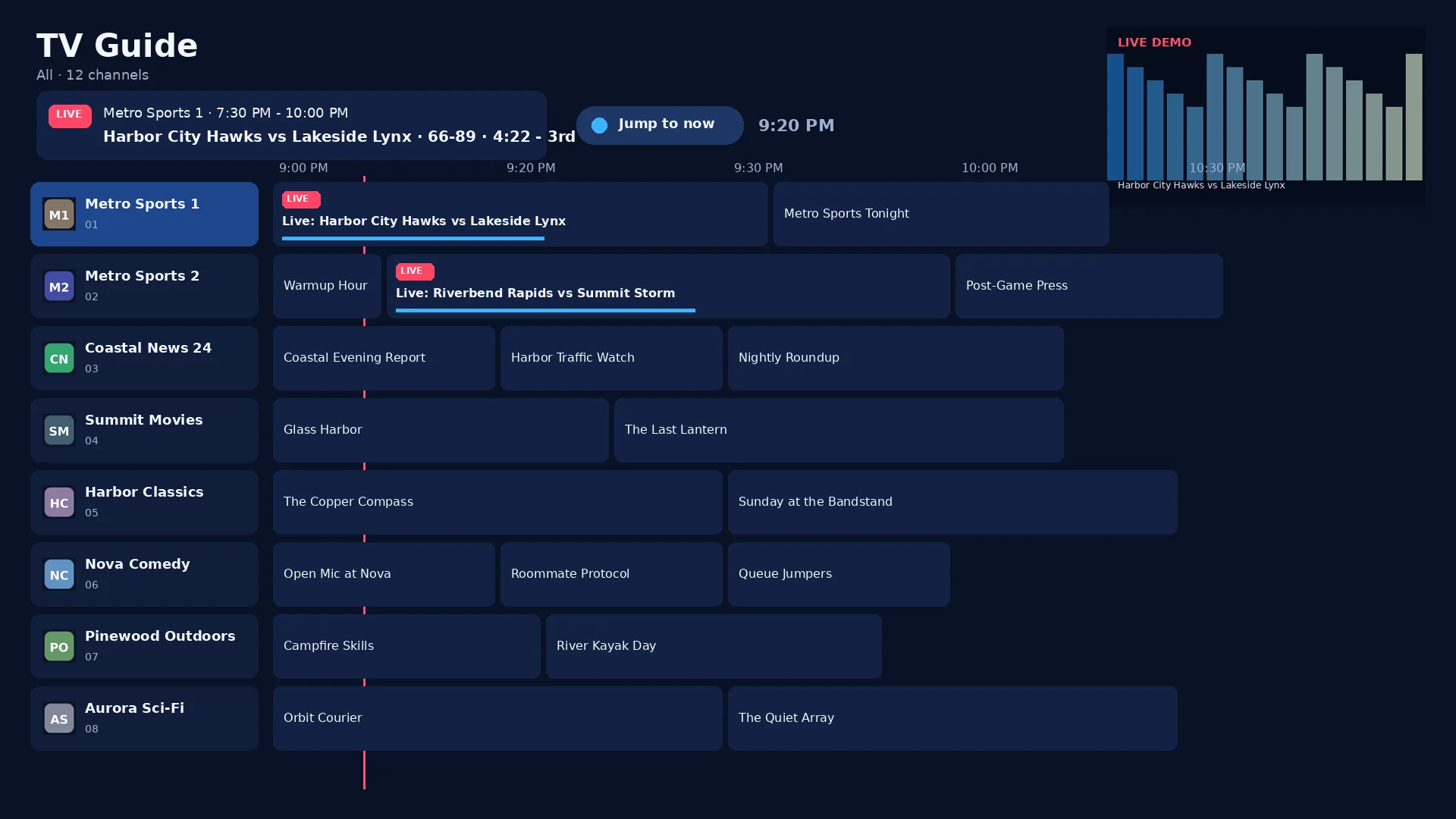
TV Guide -
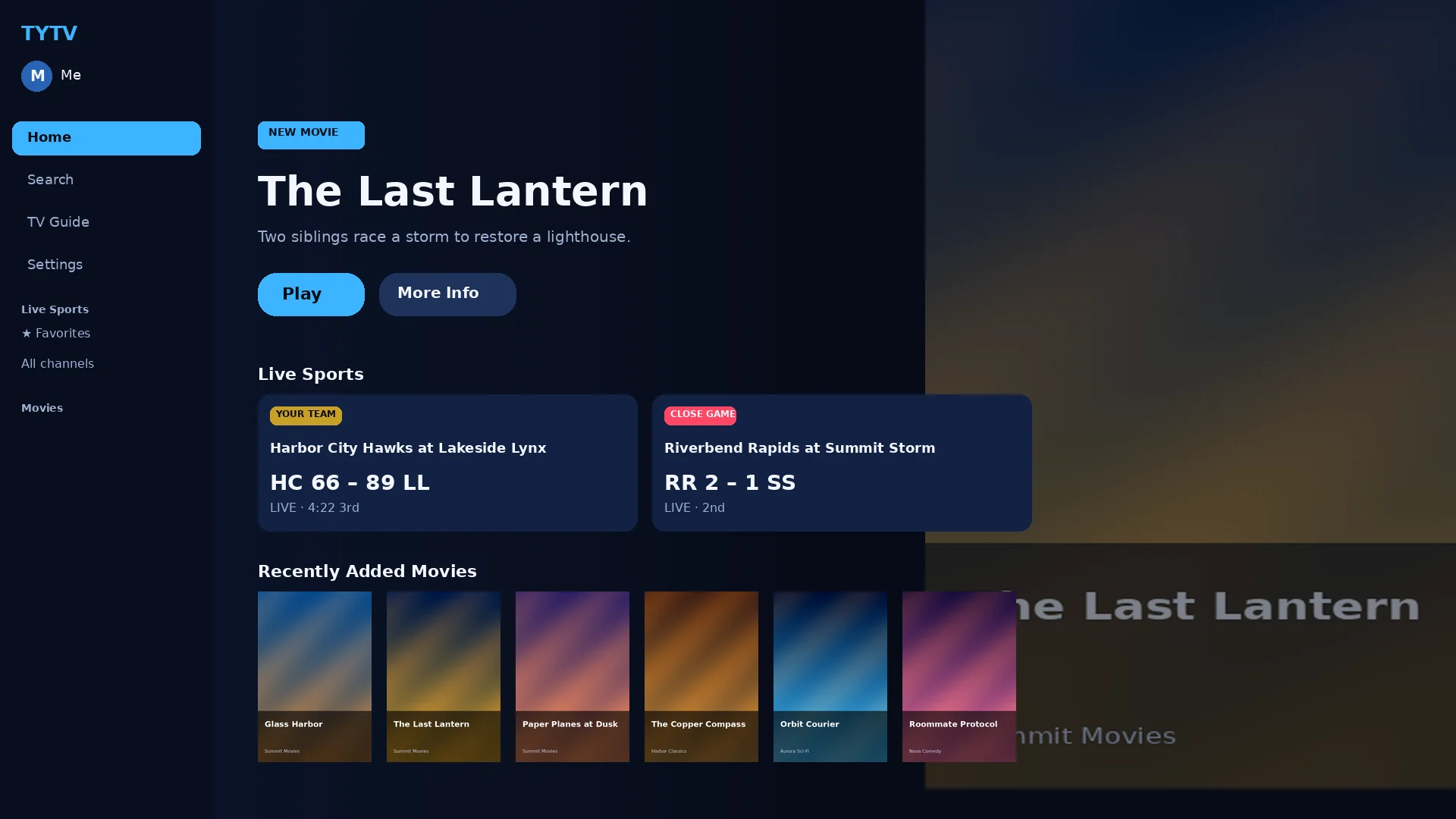
Home · Featured -
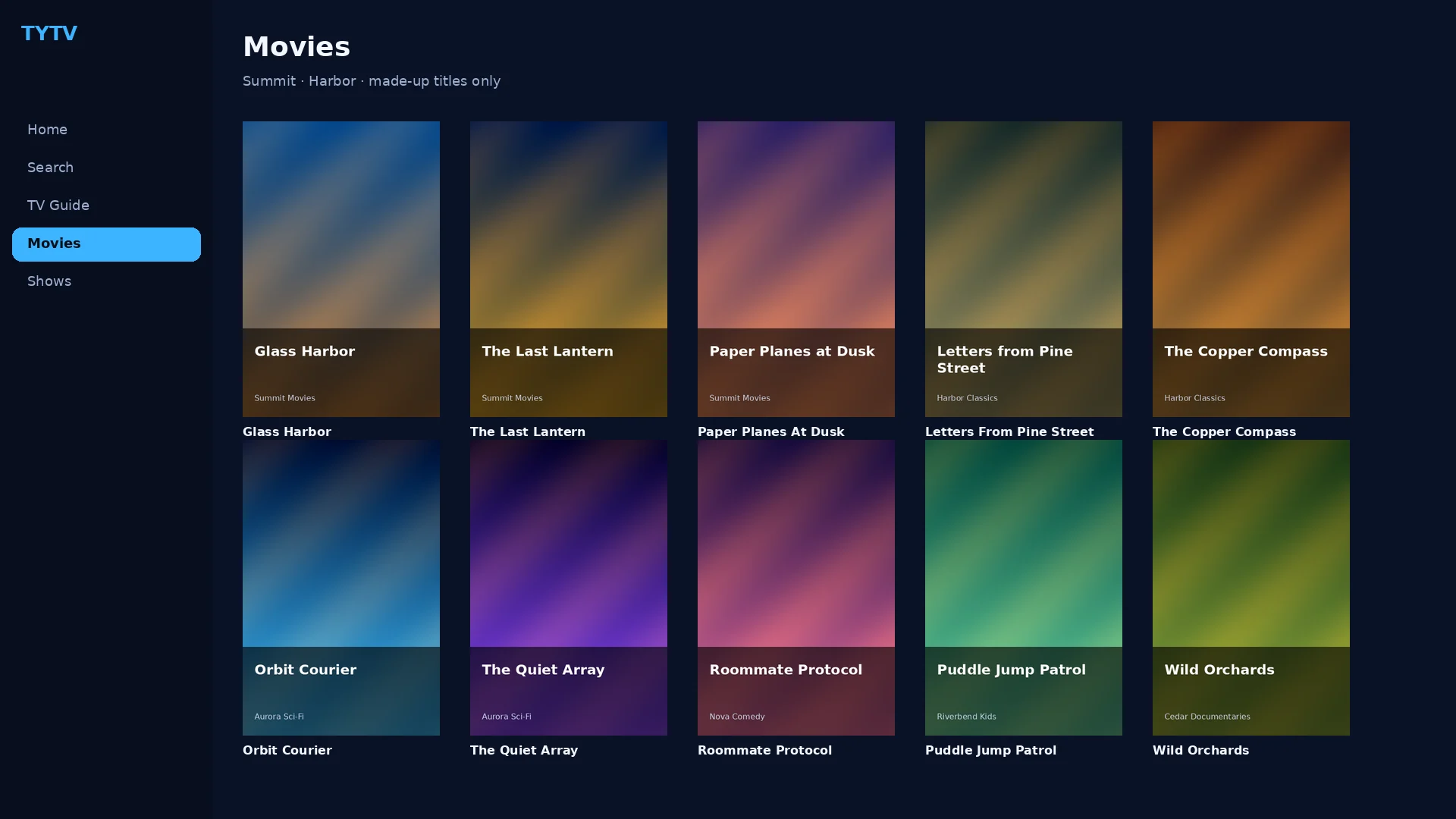
Movies & shows -
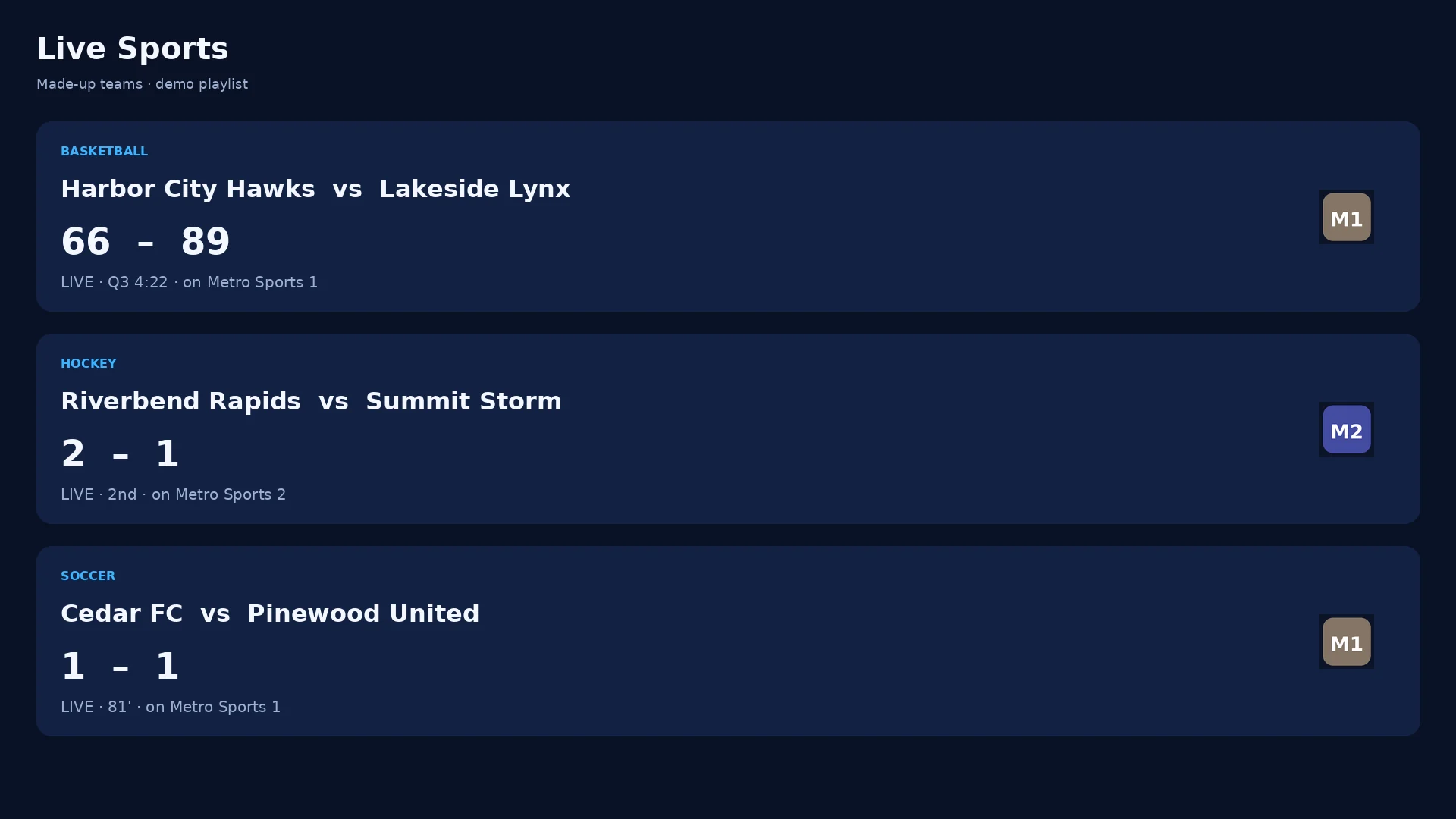
Live Sports -
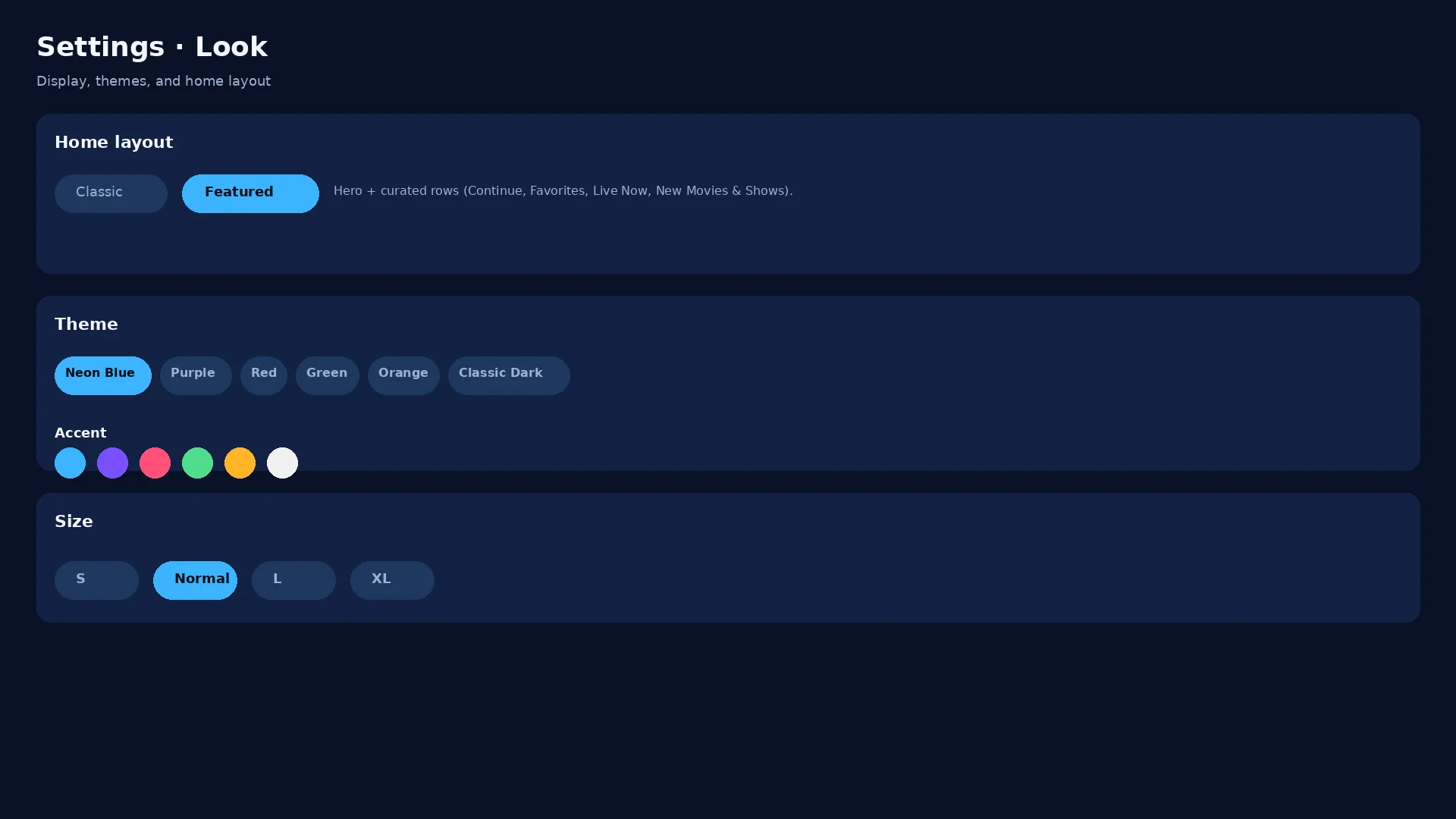
Settings · Look
Install
On the TV in three steps
Allow unknown apps once, download the APK, then add your playlist.
-
Allow unknown apps
Settings → Apps → Special app access → Install unknown apps. Turn on your browser.
-
Download TYTV
Open tytvapp.com on the TV and tap Download — or go to
tytvapp.com/apk. -
Install & add playlist
Tap Install. If Play Protect warns you, choose Install anyway. Open TYTV and paste your M3U playlist.
-
Get Downloader
Install free Downloader from the Amazon Appstore. Allow unknown apps for Downloader in Fire TV settings.
-
Enter the short link
In Downloader, type
tytvapp.com/apkand tap Go. That’s the latest TYTV APK. -
Install & add playlist
Tap Install, open TYTV under Your Apps, then add your own M3U playlist.
FAQ
Quick answers
Does TYTV include channels or movies?
No. TYTV is a playlist player. You add your own M3U playlist. We never ship channels, streams, or credentials with the app.
Is it free?
Yes. Download the APK from GitHub Releases at no charge.
Will Play Protect or Amazon warn me?
Sometimes — that’s normal for sideloaded apps. Verify the SHA-256 on this page, then choose Install anyway.
How do updates work?
New versions publish on GitHub Releases. Open TYTV on the box to pick up an update, or download again from this site.
iPhone or iPad?
This download is for Android TV (Onn, Google TV, Fire TV Stick). The iPhone app is separate via TestFlight / the App Store when available.
Ready for the living room?
Free download. Your playlist. Your TV.
Download TYTV.apkLatest: 1.2.17 · Source on GitHub · Short link tytvapp.com/apk